Item stuck in Planet Crafter fix
I created a free, online tool to unstick items, or get yourself unstuck for the game: The Planet Crafter. Also inventory editing!

You're here for the tool, click this link or the card below. It'll tell you where your save file is, and you can drop it into the tool and begin unsticking, teleporting, removing items from rooms, and inventory editing. It all runs in your browser, your save never leaves your machine.

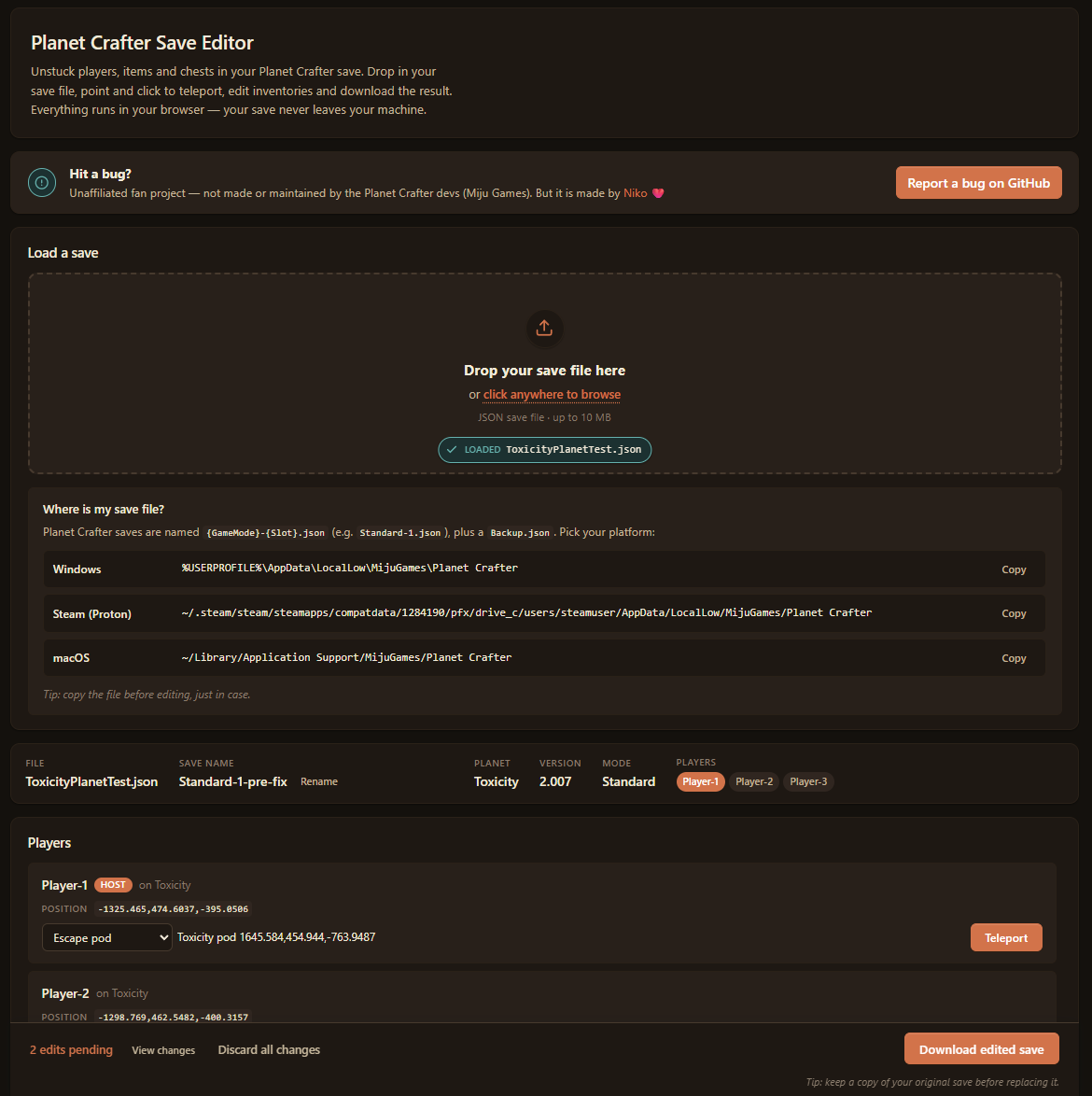
If you find a bug, you can report it here, otherwise you can find out how to contact me on my About page.
Good luck!
Why make this?
When playing (The) Planet Crafter with friends, we lost an important death chest under the geometry.
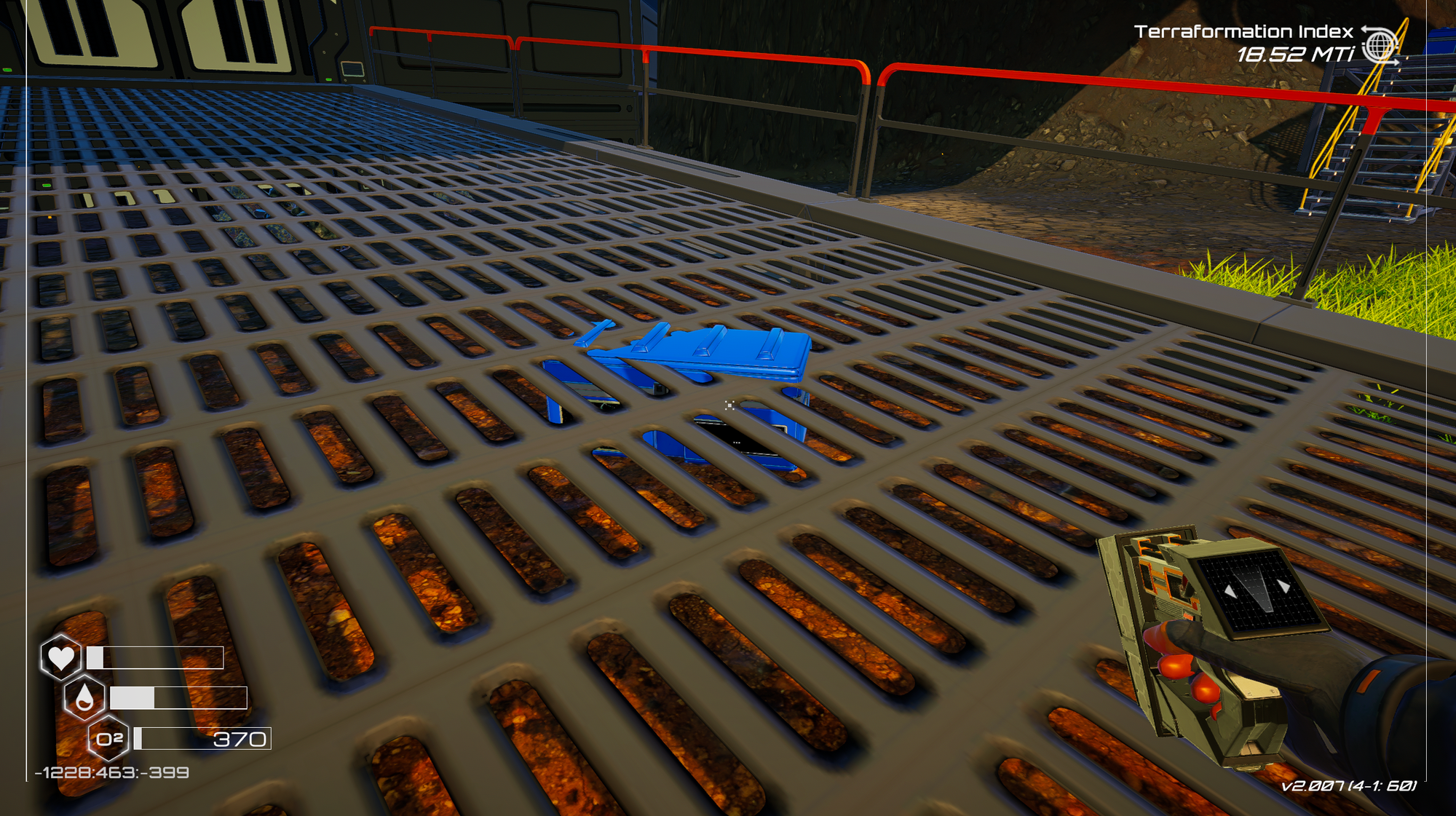
After a couple of hours of trying to click at it from up from, to building a room to get under the map, I decided to try a different idea.
If you've played Planet Crafter, you know the game has a little bit of jank. Turns out this jank hits a lot of people:
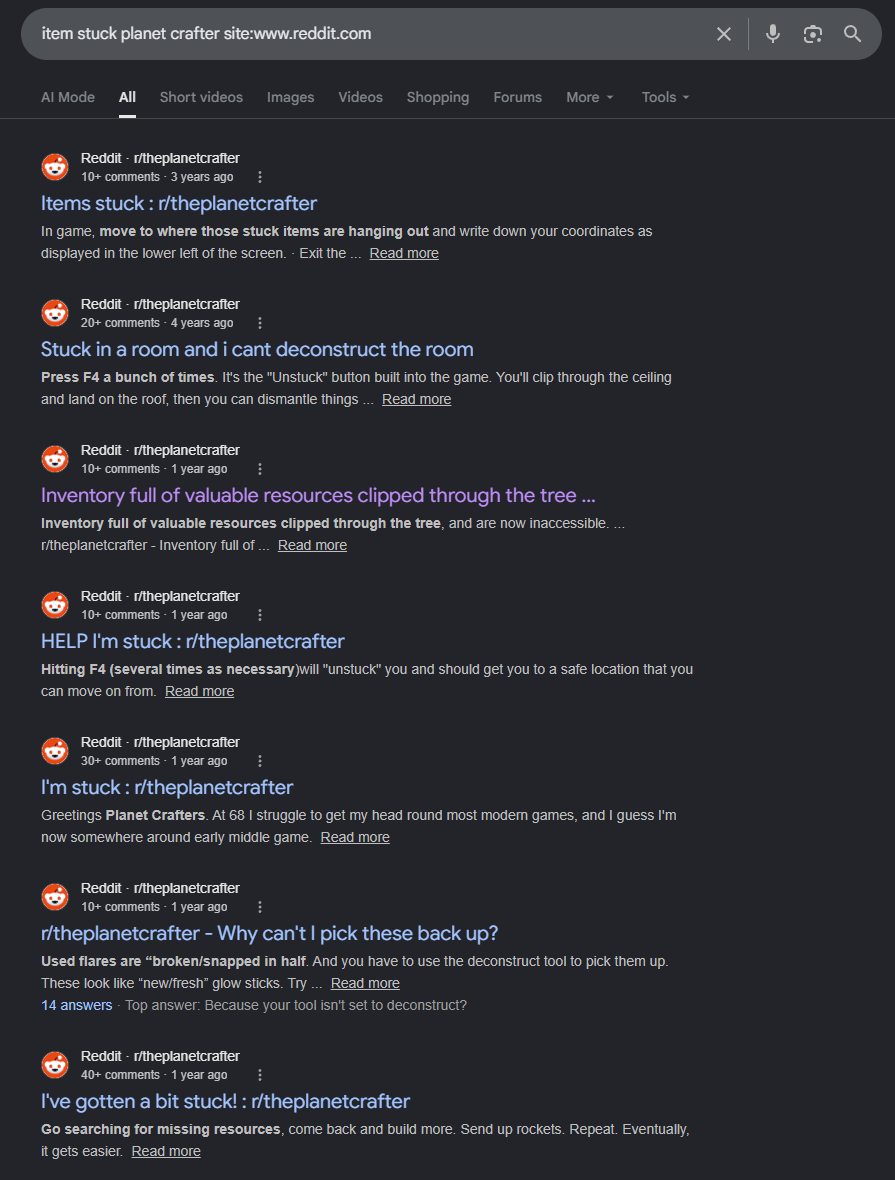
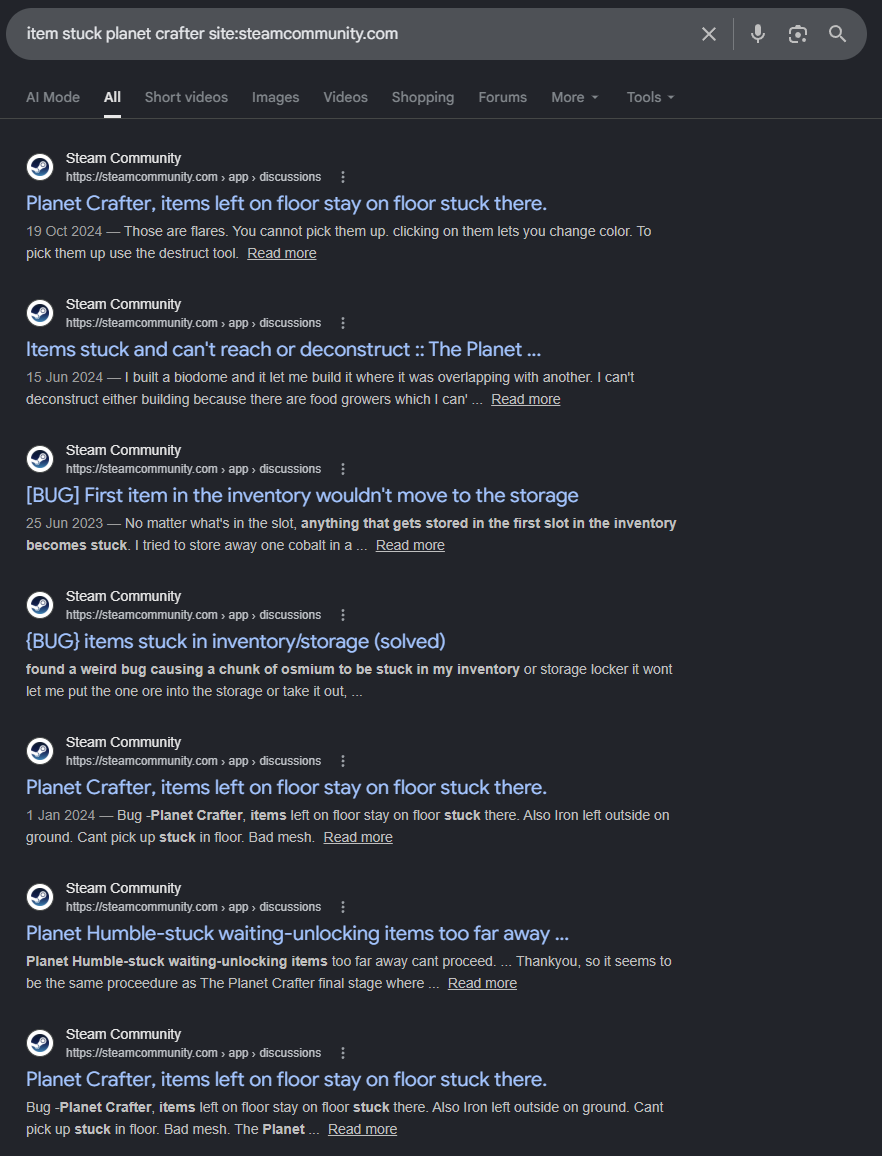
Stuck items/players posts on Reddit and Steam.
The save file is great and human readable enough, meaning I could:
- Stand above the chest
- Find a chest with very similar coordinates
- Edit the chest's coordinates to my player ones
This resulted in a floating chest to grab from.
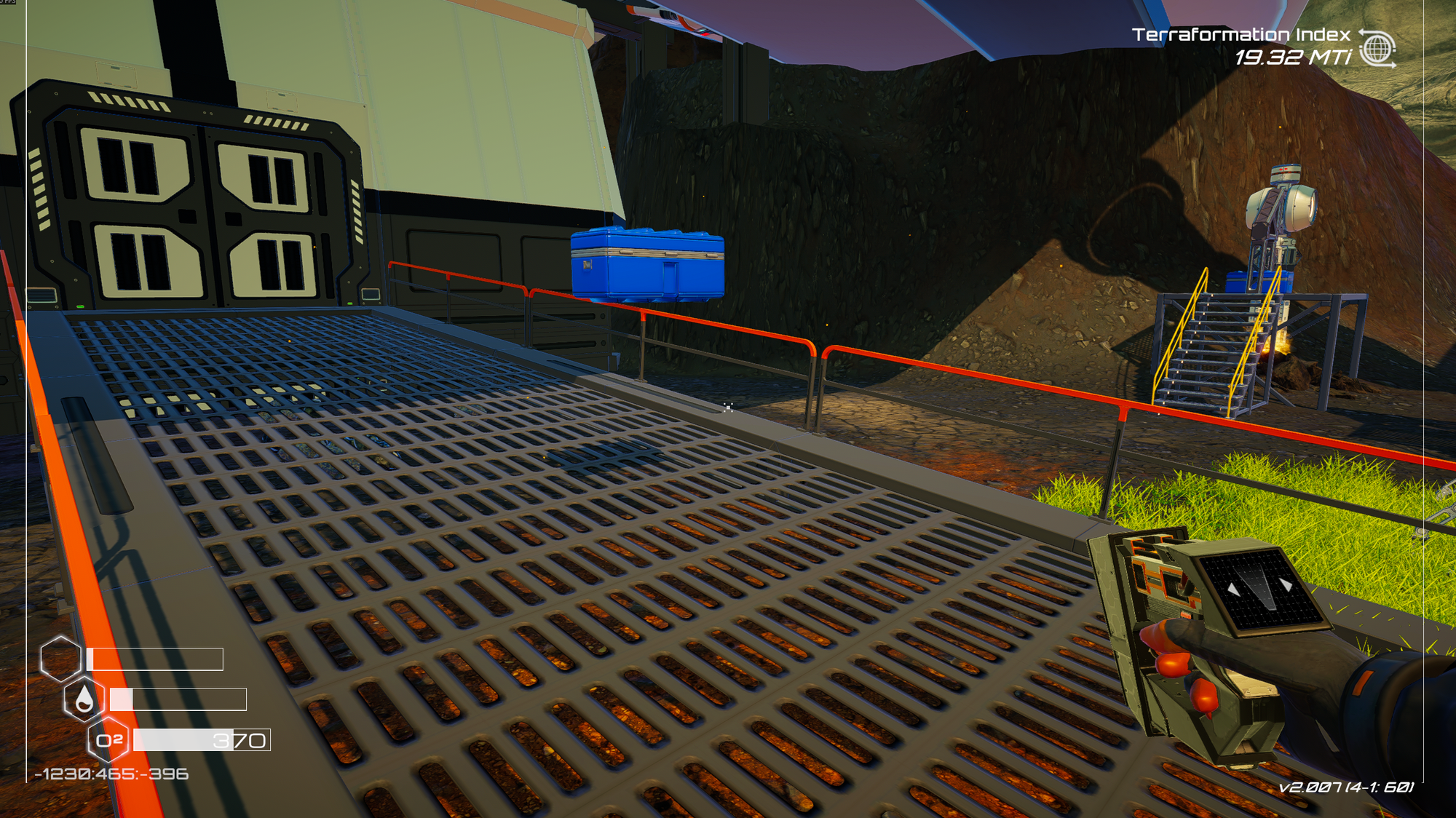
There doesn't seem to be any map/save editors, or easy modding tools to solve the problem of: "My items or I are stuck, help!". Seeing as I now know it works; I created this tool to give back to the community.
You can read more about it at my blog post here or if you want to read the code, it's open source on my GitHub repository: Planet-Crafter-Save-Editor.